Getting startedRead notation
What Is Virtual Piano Notation? Standard vs Extended Explained
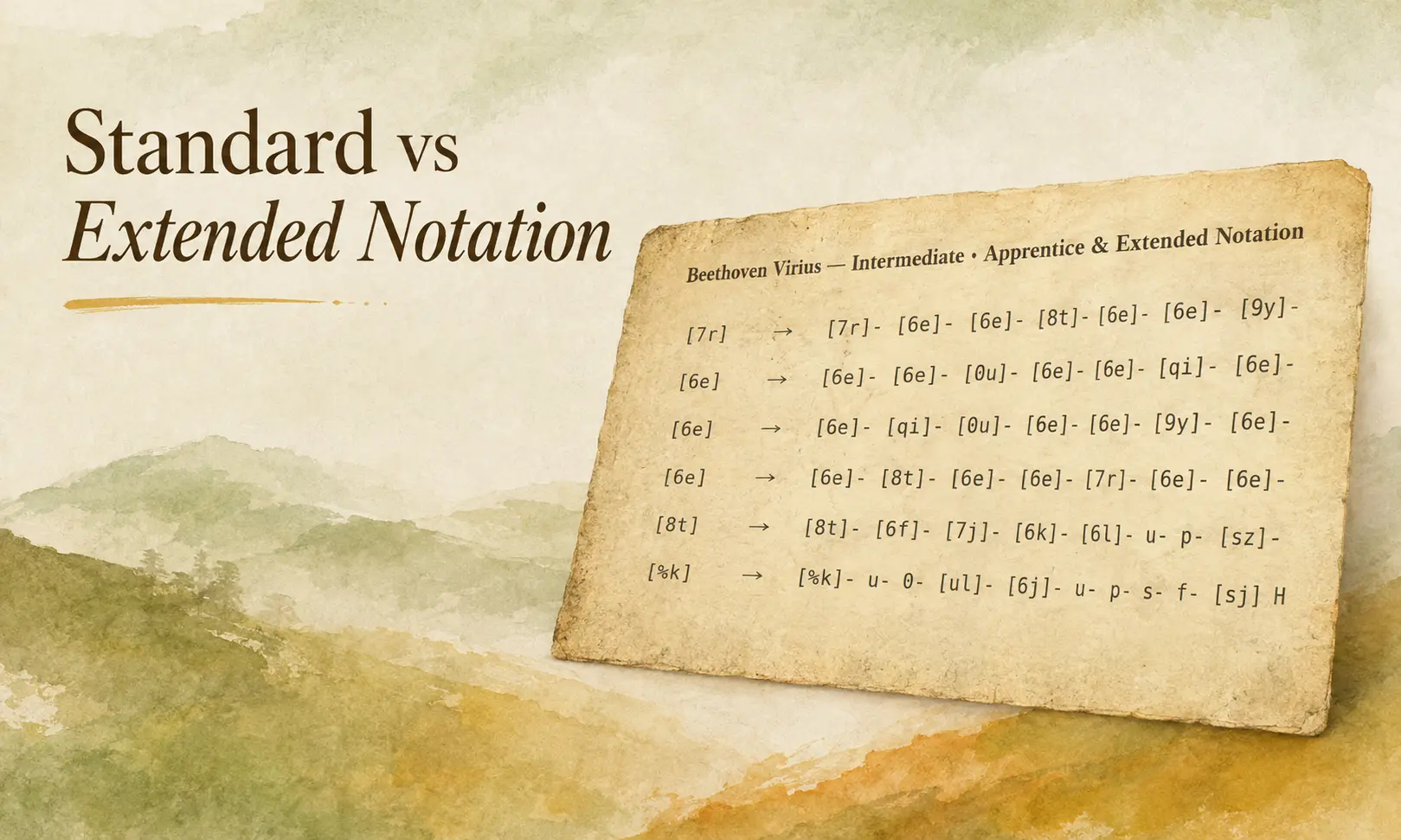
Learn how Standard and Extended Virtual Piano notation differ before you convert and practice.
Trung tâm hướng dẫn
Các bài viết được sắp xếp về workflow bài hát Roblox, Notation của Virtual Piano và chuyển đổi MIDI cục bộ. Bắt đầu luyện trong trình duyệt tại /play, rồi xem hướng dẫn về bài cho người mới, điều chỉnh sheet, file nguồn và Notation có thể chơi.
Luyện tập trong Zen Virtual PianoLọc theo chủ đề
Showing 9 guides
Learn how Standard and Extended Virtual Piano notation differ before you convert and practice.
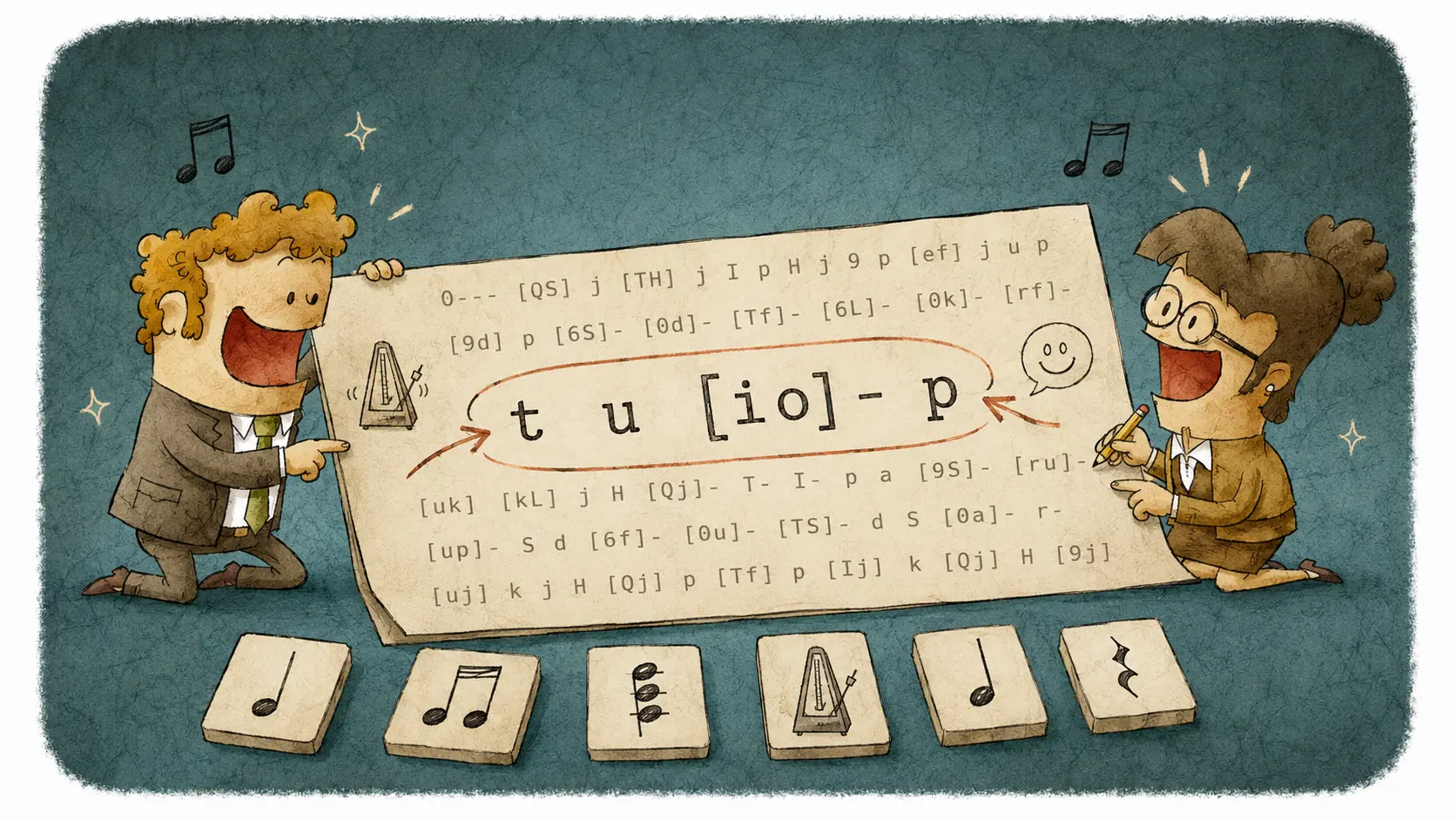
Read QWERTY piano notation in phrases, recognize chords and timing cues, and keep the rhythm.
Choose source tracks first, then Difficulty, timing, and chords. Read Convert and Sheet Cooker result signals before you convert again.
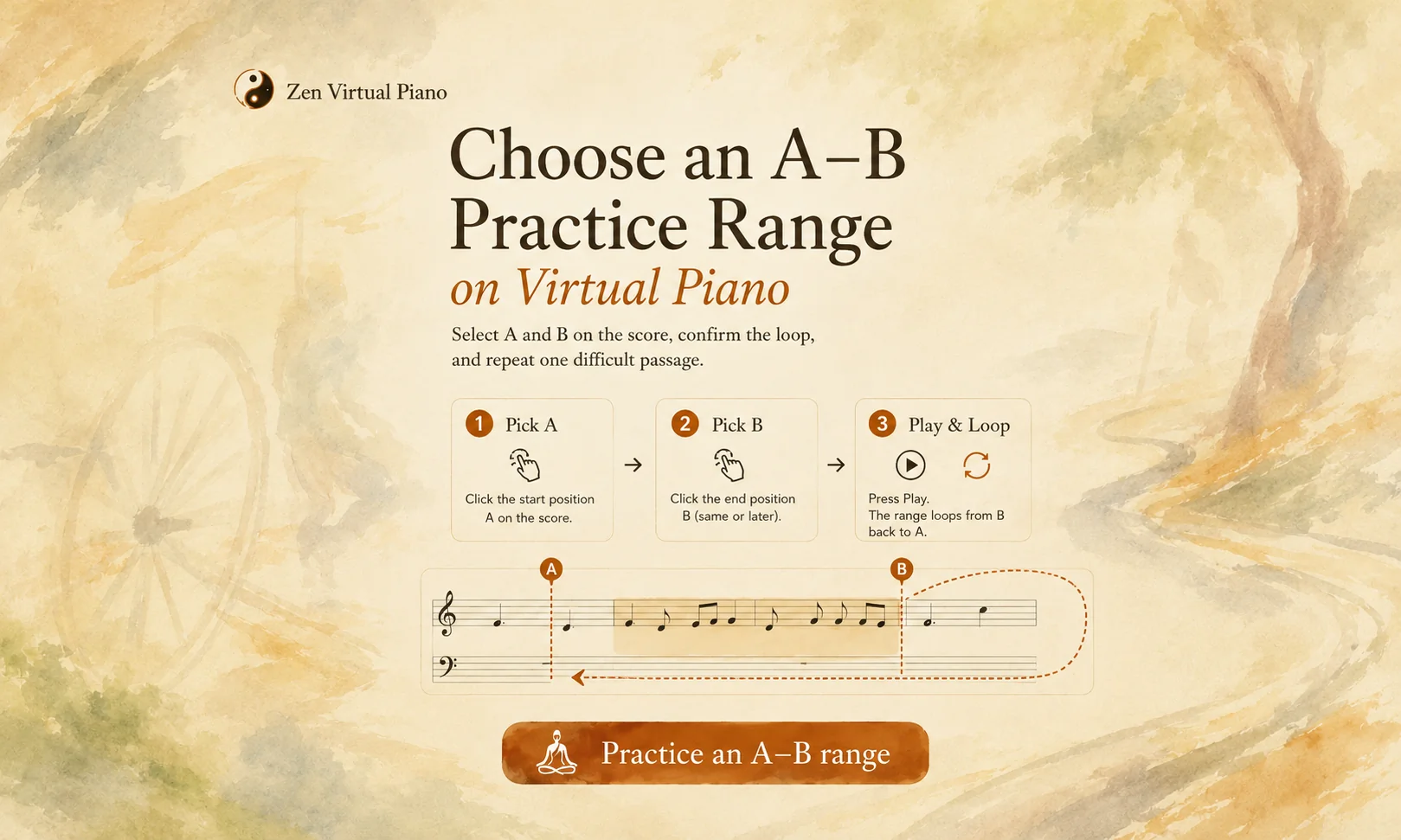
Set A and B directly on a score, confirm Loop is on, and repeat one precise passage.
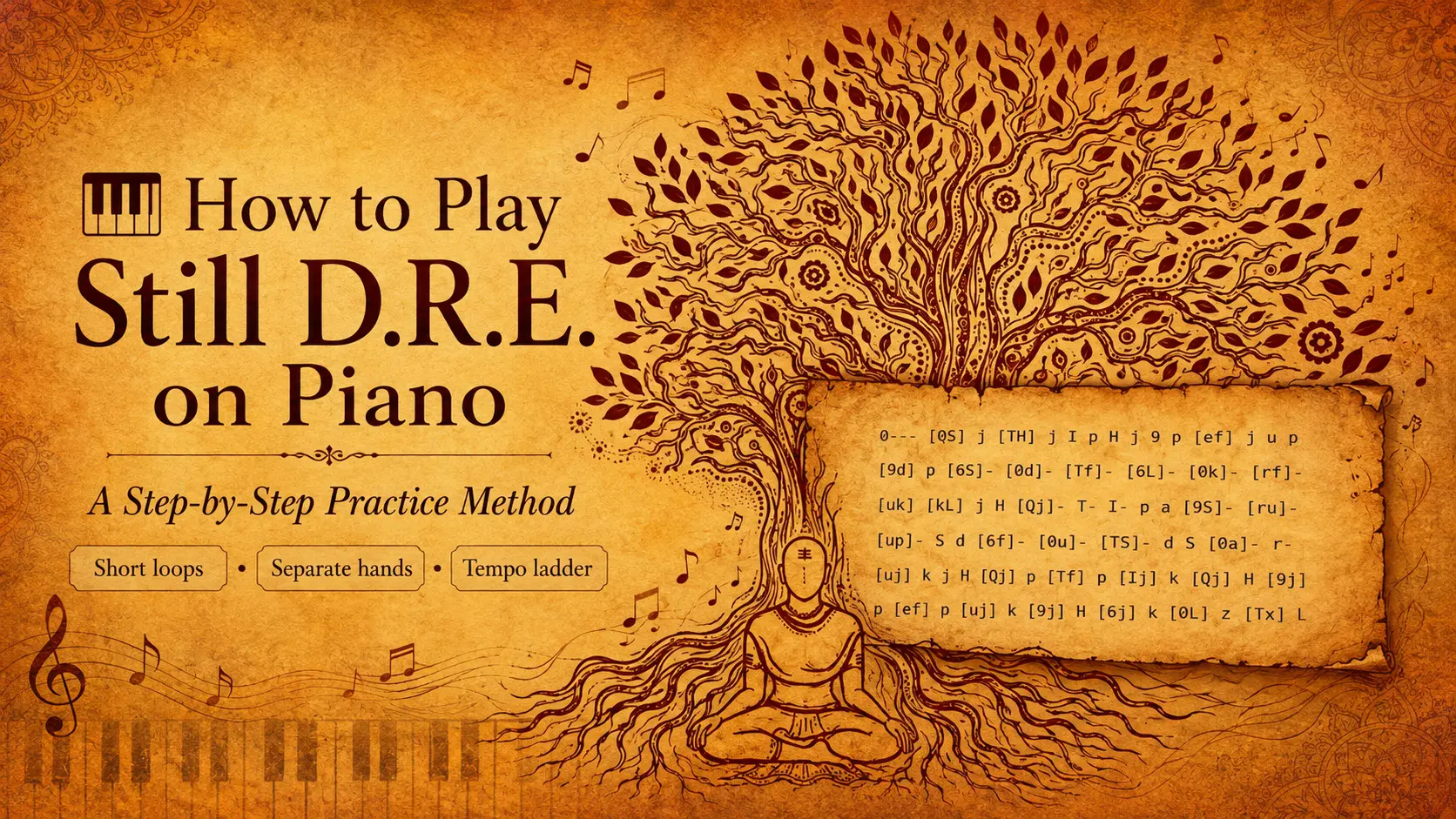
Learn the Still D.R.E. piano groove with short loops, separate hands, and gradual tempo increases.
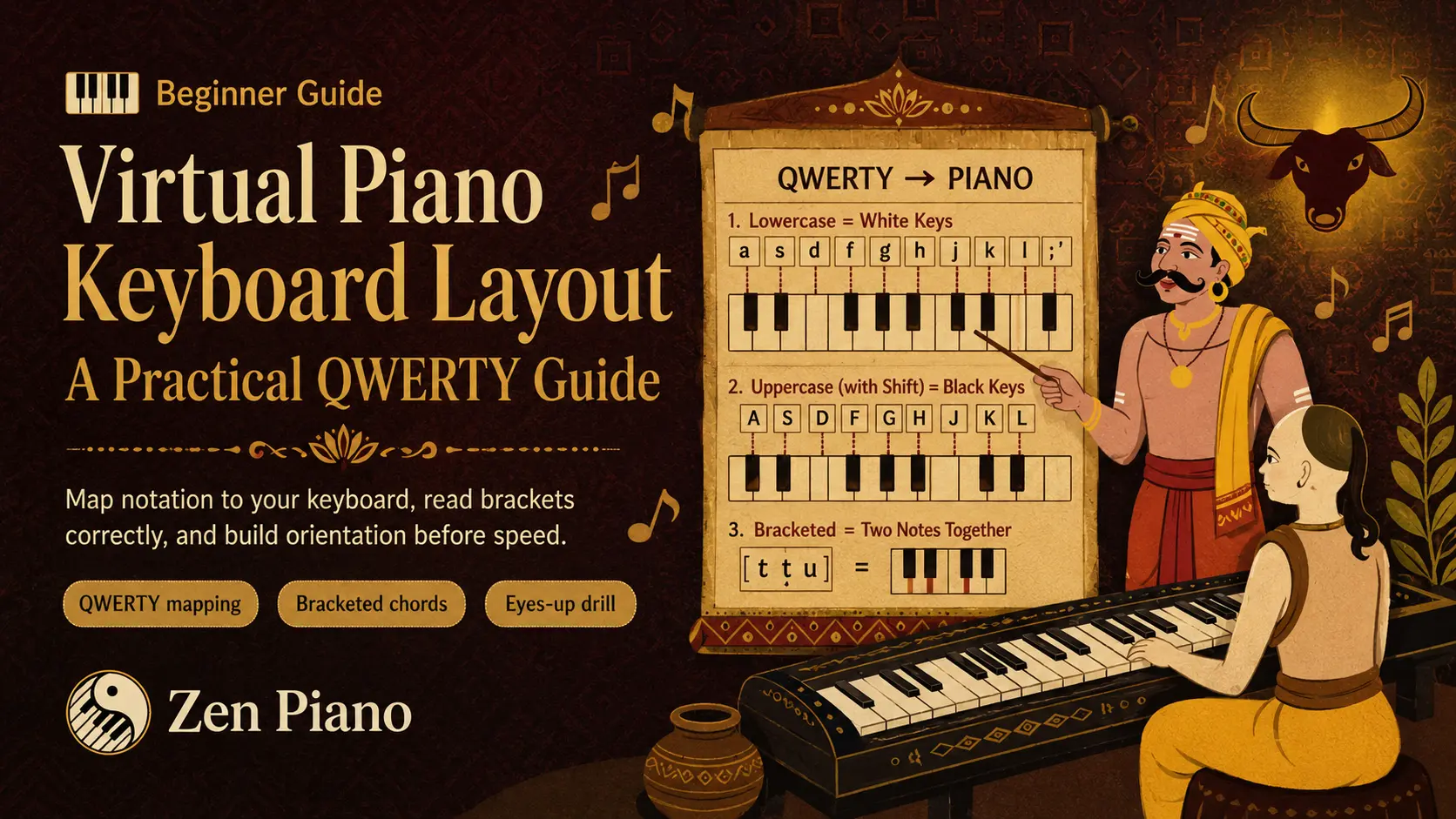
Map Virtual Piano notation to QWERTY keys, chords, and reliable physical keyboard anchors.
Choose a MIDI source role, inspect one local file, then convert and practice it in Zen Virtual Piano.
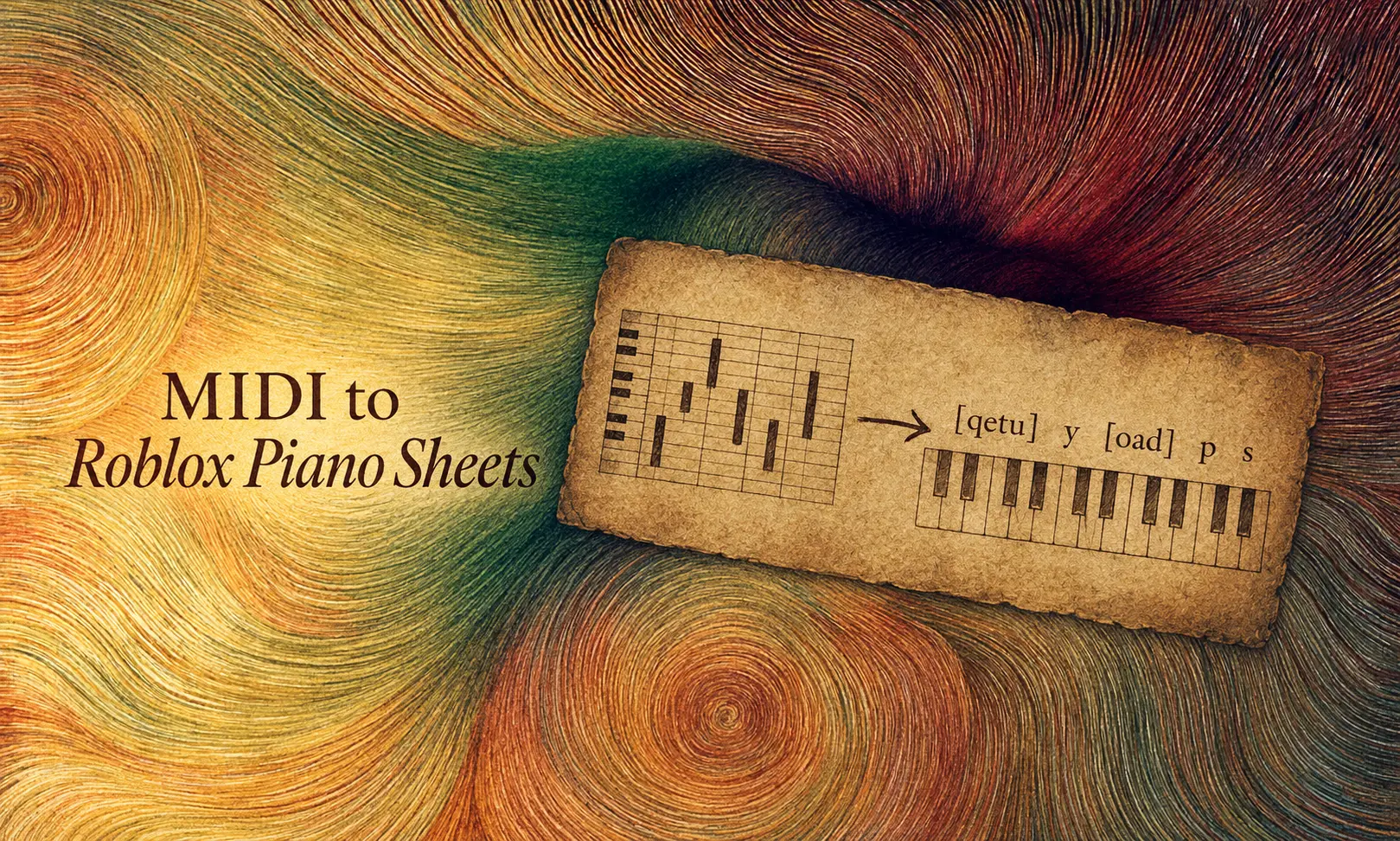
Convert a local MIDI into readable Virtual Piano notation, preview difficult passages, and practice.
Build Roblox piano confidence with a three-level song progression and calmer practice rules.