Choose by the musical part you want to try: a chord, a low-note pattern or a single melody. The suggestions below are comparison prompts, not a ranking of sound quality. Real-instrument background describes physical instruments, not the recordings in these banks; a familiar name does not establish sample provenance or acoustic fidelity.
Keep the player open while you compare.
Find a sound without losing your place
Open Instrument and choose a Family beside Favorites. Piano has six banks, Guitar has four including Electric Bass, Strings contains Harp, Violin and Cello, Organ has two, and Wind contains Saxophone. These are browsing groups: guitars are also string instruments in the wider musical sense.
Search and Favorites still apply inside a family. If nothing matches, use Clear filters to show the full catalog again; your saved favorites and current sound stay intact. A family stays selected while you switch List/Cards or visit Details, then returns to All when you close and reopen Instrument. Details Previous/Next moves through the full catalog, not just that family.
Piano: six versions of a familiar starting point
An acoustic piano uses hammers to strike strings. Upright pianos arrange their strings vertically to save space. That physical background explains the family names; it does not identify a particular piano or recording behind a Play bank.
| Bank | What to try |
|---|---|
| Classical Piano | Use this piano choice as a baseline. Play a familiar phrase before comparing it with one of the grand-piano choices. |
| Salamander Concert Grand | A grand-piano choice for comparing chord endings. Play one slow chord here, then repeat it on Classical Piano. |
| Salamander 2 | A separate selectable piano bank, not a setting on Salamander Concert Grand. Repeat the same slow chord on both before choosing. |
| Osiris Piano | Another piano-bank option for a phrase you already know. Repeat that phrase on Salamander Concert Grand with the same volume and pacing. |
| Upright Knight | The upright-named piano choice. Try quick repeated notes, then compare them with a grand-piano bank without changing the phrase. |
| Grand Piano | An additional grand-piano option alongside the named banks. Try a wide chord and compare its ending with Classical Piano. |
Guitar: chords, riffs and a bass part
Real guitars use different string materials: nylon and steel strings have different construction and playing feel. Magnetic pickups used on electric guitars and basses turn string vibration into an electrical signal. These facts explain the instrument names, not the string material or pickup used to make a particular Play sample.
| Bank | What to try |
|---|---|
| Electric Guitar | The electric-guitar-named bank. Try a short riff, then repeat it on Acoustic Guitar rather than assuming that the label adds an effects pedal. |
| Nylon Guitar | A nylon-guitar-inspired choice. Play the notes of a chord one after another, then compare that broken chord with Acoustic Guitar. |
| Electric Bass | The bass-guitar choice, grouped under Guitar. Try a low-note pattern by itself before comparing it with the other guitar banks. |
| Acoustic Guitar | The acoustic-guitar-named alternative. Repeat a chord progression on this bank, Nylon Guitar and Electric Guitar to choose for that part. |
Strings: plucked harp and bowed melodies
Harp players pluck strings; violin and cello players can draw a bow across them. A concert harp’s pedals alter string pitches, while bowing gives a player continuous control over a string’s vibration. Selecting one of these banks does not reproduce those physical controls on your computer keyboard.
| Bank | What to try |
|---|---|
| Harp | A harp-inspired string choice. Try a broken chord, then repeat it on a piano bank and compare how the separate notes overlap. |
| Violin | A violin-inspired voice for a single melodic line. Play a simple melody here, then repeat exactly those notes on Cello. |
| Cello | The cello-inspired alternative for a melodic part. Carry a slow phrase here, then compare it with Violin before adding more notes. |
Organ: pipes and free reeds are different mechanisms
A pipe organ sends pressurized air through pipes. A harmonium is a free-reed instrument supplied by bellows. Both can have keyboards, but that does not make their sound-producing mechanisms the same. The two Play choices are sampled banks, not complete simulations of organ stops or harmonium bellows.
| Bank | What to try |
|---|---|
| Standard Organ | The organ-named bank for a held-chord comparison. Keep the same chord and key-hold time when you switch to Harmonium. |
| Harmonium | A harmonium-inspired keyboard voice. Repeat Standard Organ’s chord here, then release the keys and compare the ending. |
Wind: a saxophone-inspired melody
The real saxophone is a single-reed woodwind, even though its body is usually metal. Breath and reed control belong to the physical instrument; choosing the bank does not add embouchure control or the transposition conventions of a particular saxophone.
| Bank | What to try |
|---|---|
| Saxophone | The wind-family bank. Try a short melodic phrase, then repeat it on Violin to compare two instrument-inspired voices using identical input. |
Hold, Release and the manual pedal
Instrument Details shows the effective note-ending values for that bank. Hold before fade delays the start of the ending fade after note-off; Fade-out (Release) controls the fade that follows. For manual notes, the hold begins after key-up and after any held pedal is released. These controls do not change the pitch.
In Sound, turning Automatic Sustain off removes the automatic profile Hold but keeps its Release fade. The alternative Sustain pedal mode lets Space or a connected MIDI pedal defer manual key-up. That pedal does not hold scheduled sheet notes; sheet playback uses its scheduled note endings and the applicable profile settings.
With Instrument closed, sheet playback limits combined Hold and Release to four seconds after each note ends, scaling both proportionally when needed. This does not shorten the written note or change your saved settings. Notes you play manually, recording replay, WAV export and Preview C4 do not use this sheet-playback limit.
Open Instrument to hear the active bank’s effective settings on the current sheet without that limit; viewing another bank’s Details does not change the sound. Instrument does not select the Full preset or turn Automatic Sustain on. Each Play or resume starts a fresh 30-second playback window once the sheet is ready. Opening Instrument during playback also starts a window. At its end, or when you close Instrument, playback pauses; remaining fades may still be audible.
A finite sample can end before the configured fade finishes. Hold plus Release is therefore not a promise of audible duration, and a longer value may make little audible difference after the recording has already faded. Descriptive character tags are not extra attack or sustain knobs.
Your saved per-bank settings can differ from the defaults. Read your current values in Details rather than copying a timing table. Changes apply to new notes and are saved on this device. Reset this instrument removes only that bank’s override and restores its current defaults; it does not reset other banks. Note any Custom values before experimenting if you want to restore them manually.
Compare one phrase, then change one setting
- Choose Salamander Concert Grand in Instrument. Keep volume and transpose unchanged, release the pedal, and enable Automatic Sustain in Sound.
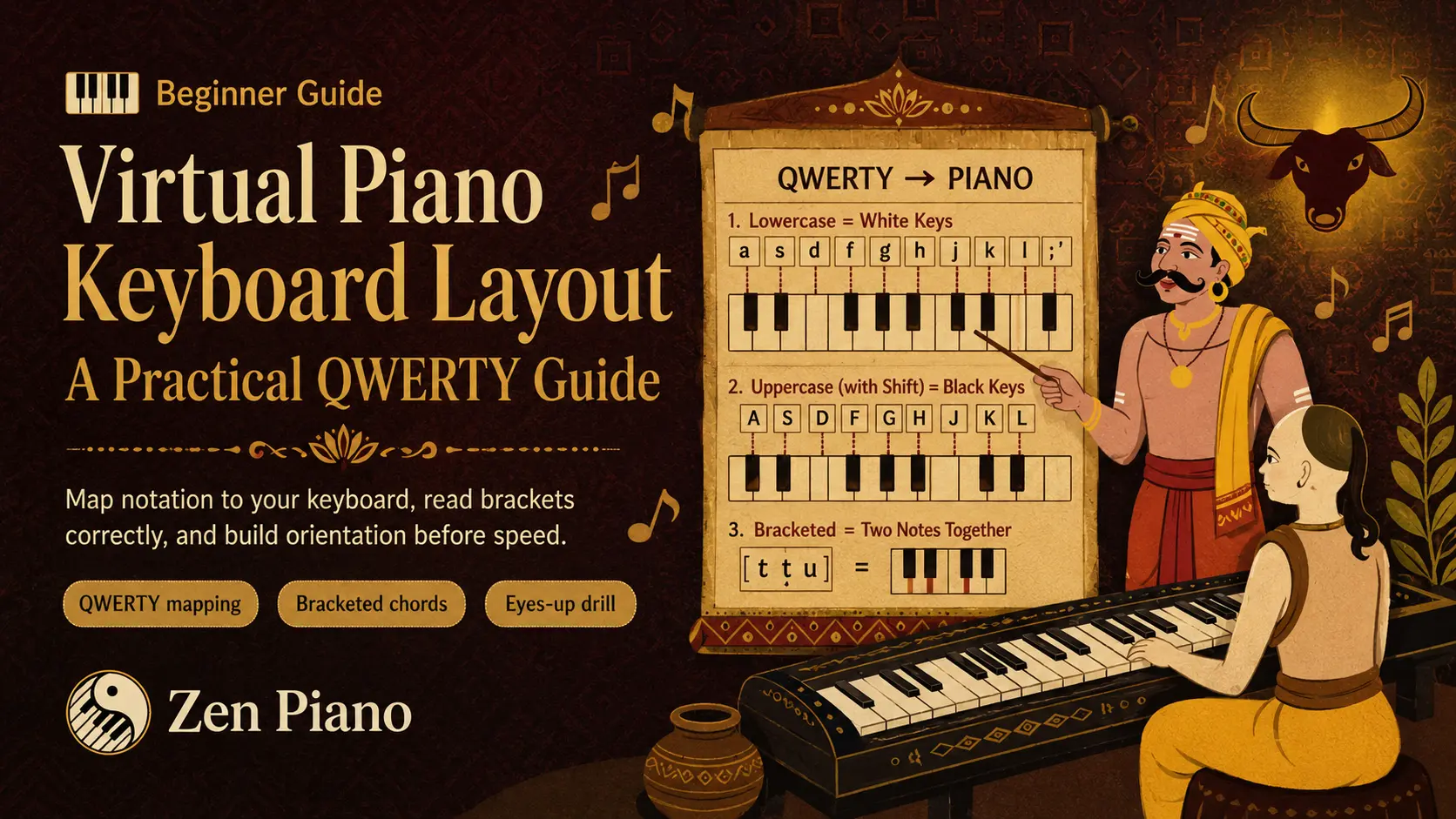
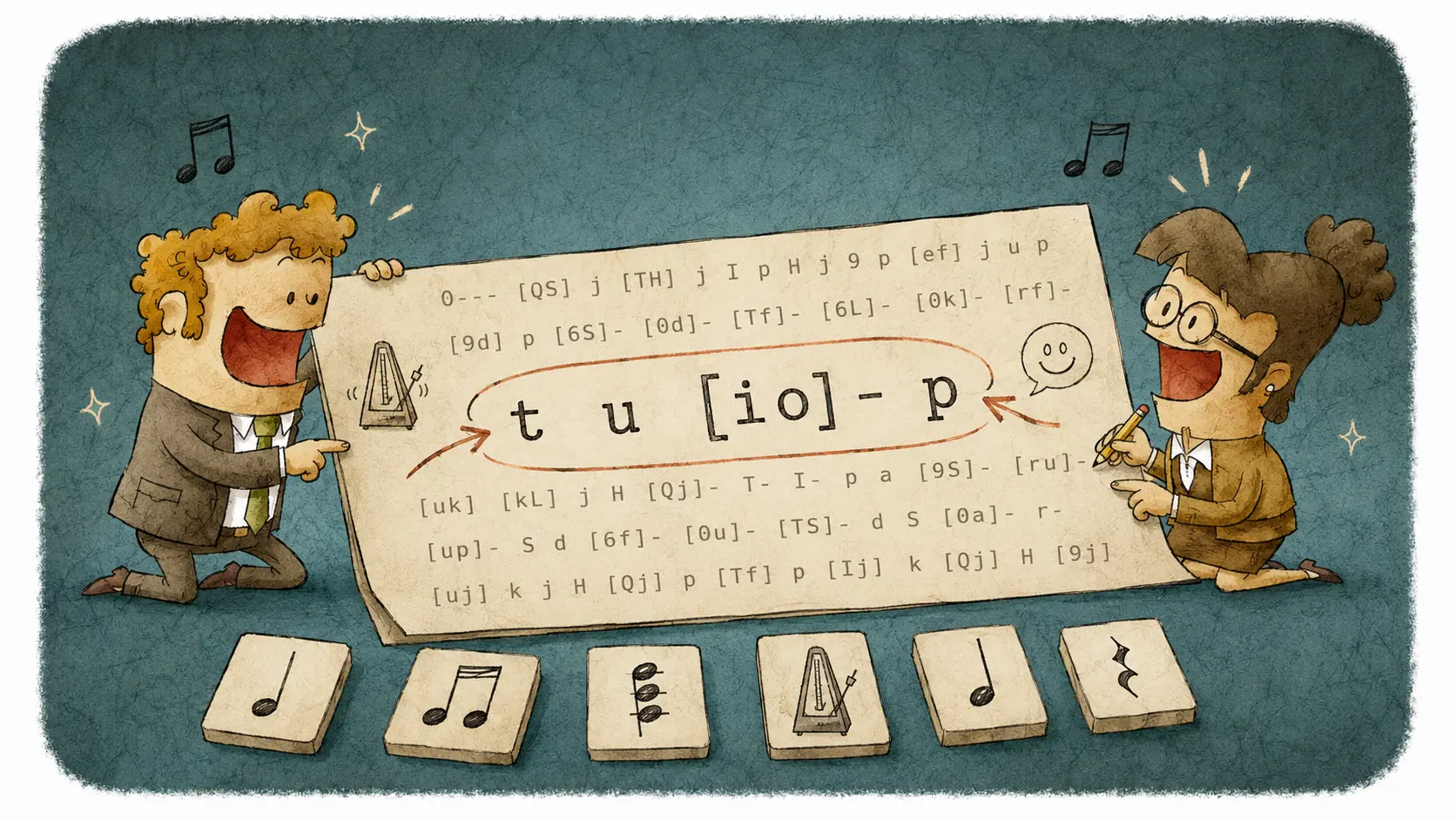
- Play the three lowercase keys `t y u`, one after another, at a comfortable, repeatable pace. Listen after each key-up. This is the same note sequence in Standard and Extended notation; no timing marks are needed for this manual comparison.
- Open that bank’s Details and note both displayed values. Change only Hold before fade to zero, close Details, and repeat the same phrase. The fade can now begin at key-up rather than waiting for Hold. Listen for a difference only while the sample remains audible.
- Restore the previous Hold value. If you want the bank’s current defaults instead of your own override, use Reset this instrument. Repeat the phrase on one other bank without changing the input or volume.
You can now separate the instrument family from the note-ending controls. Keep the bank that works for your phrase, restore any settings you changed only for comparison, and try it on a slightly longer passage.