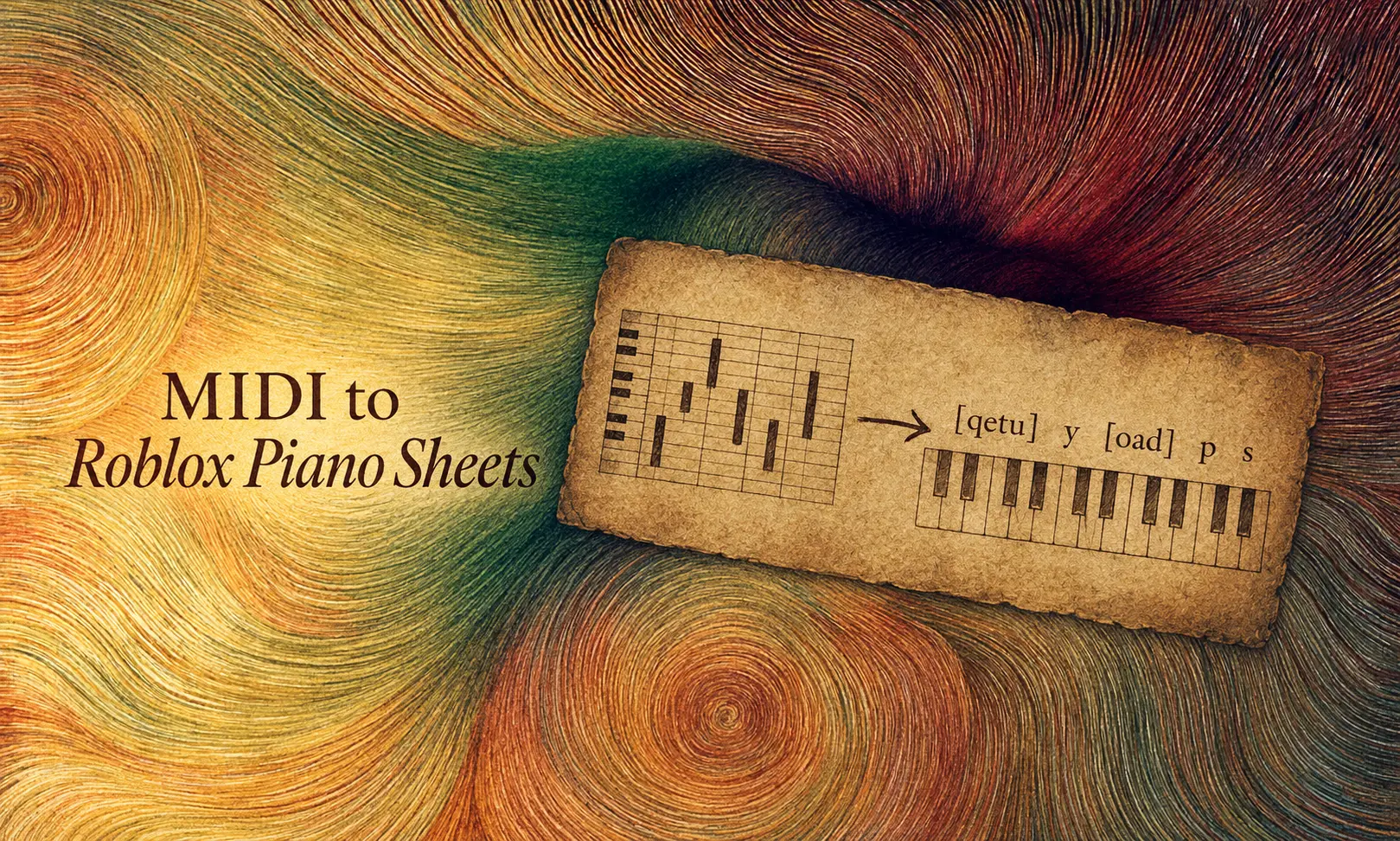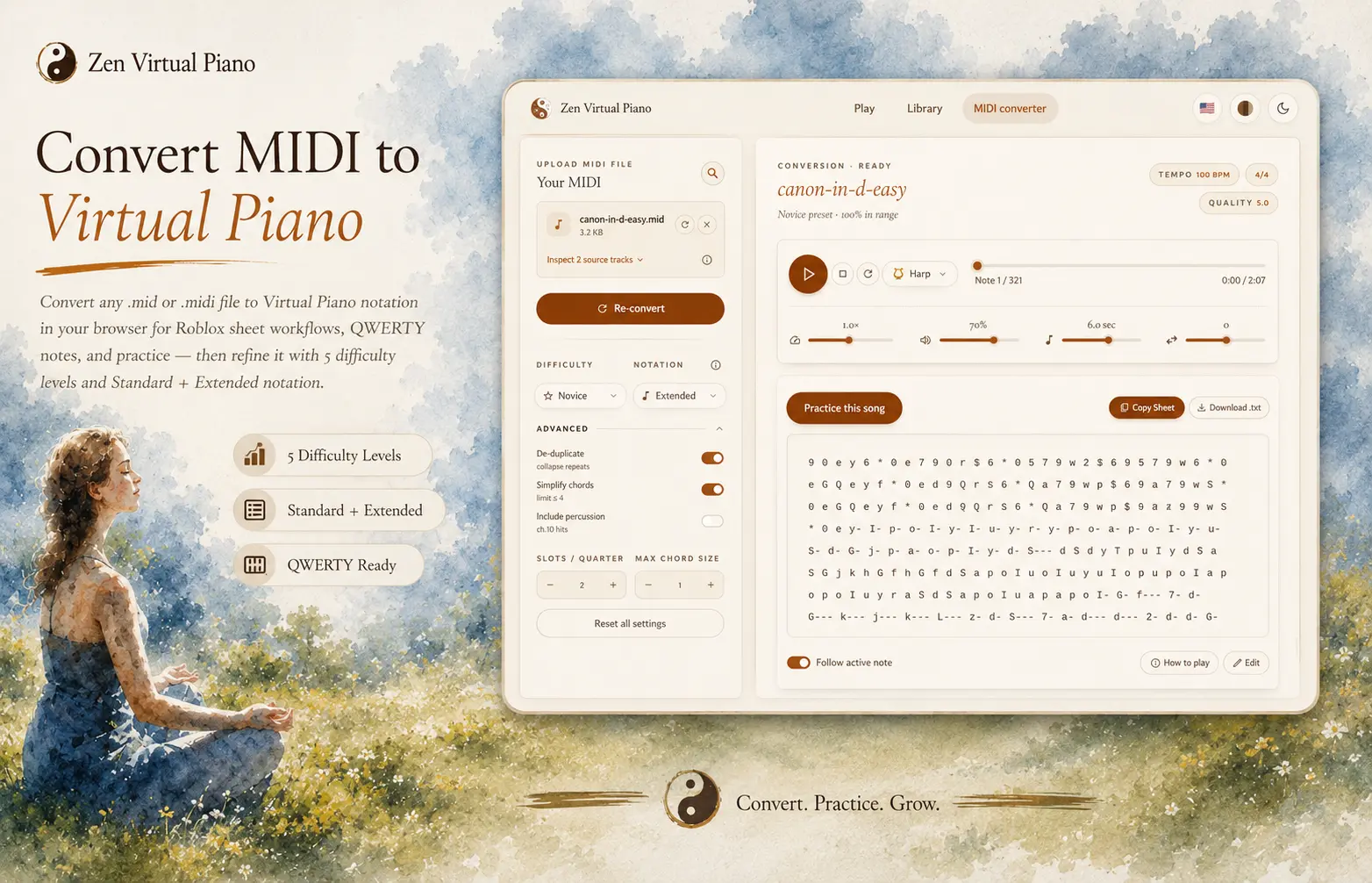
Zen Virtual Piano does not host a MIDI catalog, download files for you, or verify whether a third-party file is suitable for your intended use. The researched comparison below preserves the useful differences between eight sources instead of flattening them into interchangeable roles. MuseScore is the quality-screening preference because each score exposes real interaction signals. BitMidi is the breadth-first option; Mutopia and Kunst der Fuge add classical context; VGMusic focuses on game music; FreeMidi, MidiShow, and Classical Archives cover different access and catalog trade-offs.
The catalog, access, subscription, and popularity details are a dated research snapshot as of 2026-08-10, not timeless promises. Inspect the individual item, confirm that you have a local `.mid` or `.midi` file, and read its terms. After you have a local file, use the converter to turn its note data into readable Virtual Piano notation, preview the result, then use the practice handoff when the sheet is ready. Download availability does not establish permission to reuse an arrangement elsewhere.
Pick a source by what you need
Provider comparison researched as of 2026-08-10. Catalog totals, prices, and access rules are mutable; use the table as a dated decision aid and recheck the source before downloading.
| You want | Try | Catalog size | Quality | Trade-off |
|---|---|---|---|---|
| The clearest quality signal (recommended) | MuseScore | ~2.6M community scores, plus 1.3M official licensed scores | Highest here for visible interaction evidence. Views, likes, and comments show which arrangements attracted real audience response, but popularity does not guarantee musical quality. | Official scores provide clearer licensing context; community uploads still require review. Account, subscription, and download access can change, so verify the current item and price. |
| Broad MIDI search | BitMidi | ~113,000 files | Uneven. It is a historical collection of web-era MIDIs rather than a curated quality ranking. | Large catalog, but rights context is thin and there is no visible popularity signal to screen individual files. |
| A backup broad catalog | FreeMidi | Not published | Mixed. Inspect and preview the individual file rather than inferring quality from the provider. | Useful when another broad search is empty; verify the file format, musical fit, and item terms. |
| Clear rights-labeled classical context | Mutopia Project | ~2,100 works | High for notation context. Files are generated from notation source, which gives you a score reference for checking the conversion. | Smaller library. Read the conditions attached to the individual work; public-domain composition status does not automatically settle arrangement rights. |
| Deeper classical and counterpoint repertoire | Kunst der Fuge | ~19,300–20,000+ files | Strong specialist context for classical repertoire. | Narrow focus. The researched site terms limit reuse, so verify the work and use conditions directly. |
| Game soundtracks | VGMusic | ~31,800 files | Strong for its niche. The archive applies submission rules rather than accepting converted game assets indiscriminately. | Useful when you need game-music context; still verify the exact arrangement and its stated conditions. |
| Community variety with technical metadata | MidiShow | ~237,000 files | Useful technical context such as GM standard, MIDI type, and track count can help you screen files before conversion. | Broad variety, but account or points-system friction can add time before download. |
| Serious classical repertoire | Classical Archives | 1M+ classical files sitewide; MIDI is a subset | Curated classical context with Type 0 and Type 1 MIDI identified where available. | Deep catalog, with access gated behind a subscription. |


Why MuseScore comes first for quality screening
This guide does not rank providers for every use case. It recommends MuseScore first when visible audience interaction is the requirement because views, likes, and comments are real signals that an arrangement attracted attention and feedback. Those signals do not guarantee quality or establish rights. Provider interfaces, catalogs, access paths, and prices can change after the 2026-08-10 research snapshot, so make the final decision from the item in front of you.
A common mistake: grabbing a preview link instead of the actual file
You open the converter, choose what you just saved, and it is not a MIDI file. That is often because the source page offered a streaming preview or an embedded player rather than a local file you can select.
Before you leave a source page, confirm that you have a local `.mid` or `.midi` file. A play button alone is not a file to convert. If the page does not provide one, return to the source role that best fits your search rather than assuming every page has the same access path.
Before you open /convert
- Confirm you have a real `.mid` or `.midi` link, not just a preview player.
- Read the item page. Its title, notes, available context, and terms tell you more than a search result does.
- Save score or MusicXML context when the same item offers it, then use it as a reference while you inspect the conversion.
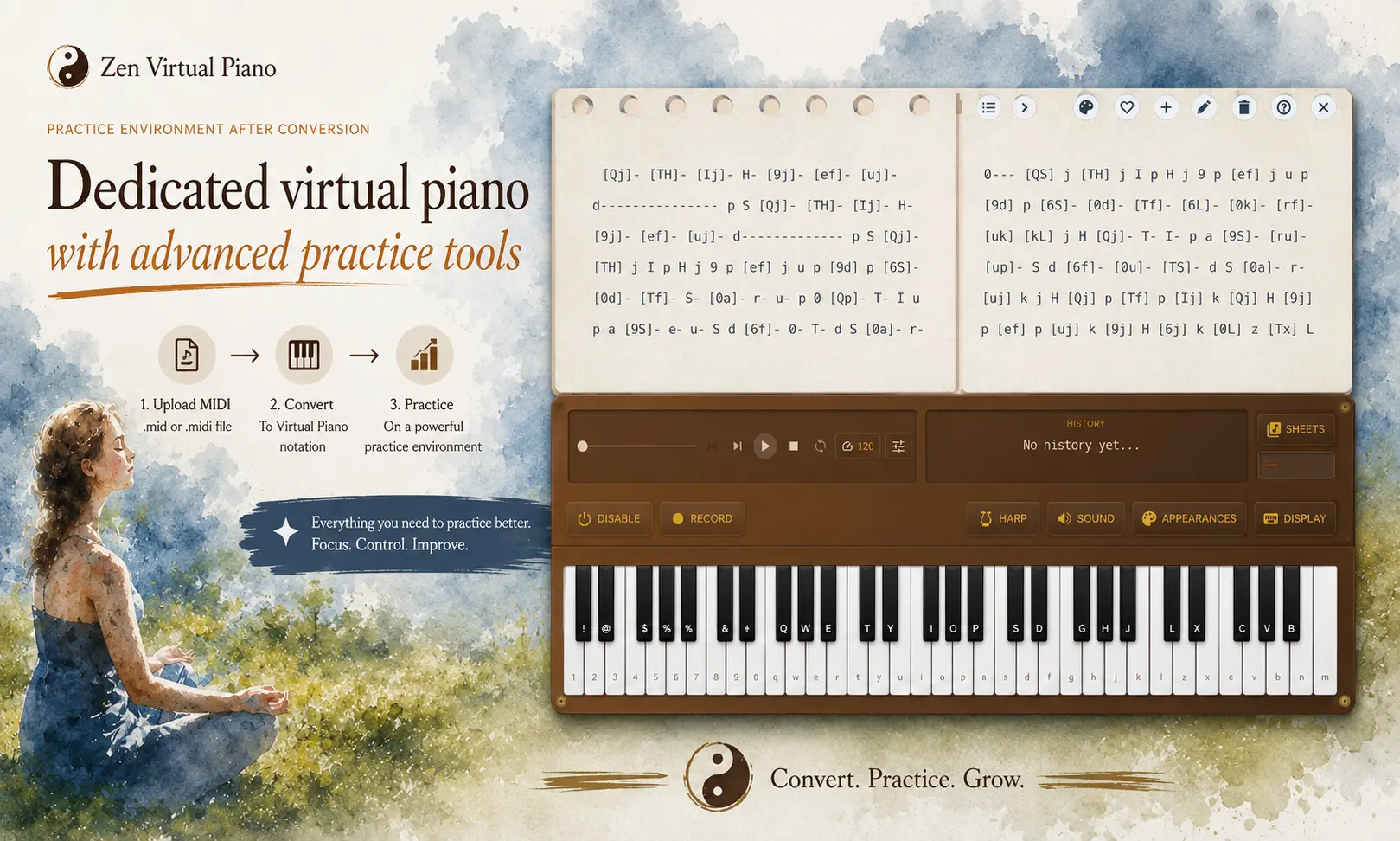
- Choose the local file in the converter, preview the notation, then use the practice handoff when it reads comfortably.
Zen Virtual Piano picks up once you have the local MIDI: it transforms the note data into Virtual Piano notation for you to preview and practice. It does not determine a third-party file’s rights or suitability.
Practice now
Pick the source role that fits the context you need, inspect one item carefully, and save a local MIDI only when its page gives you enough information to proceed. Then convert the file into notation, preview a difficult phrase, and practice the version that reads comfortably.
Conversion and practice destinations